
Remote monitoring and management for Windows and macOS.
Pckgr RMM combines automated application deployment, patch management, endpoint management and remote support in one console.
Manage Windows and macOS devices independently or alongside Microsoft Intune and other MDM solutions. Linux support is in alpha.
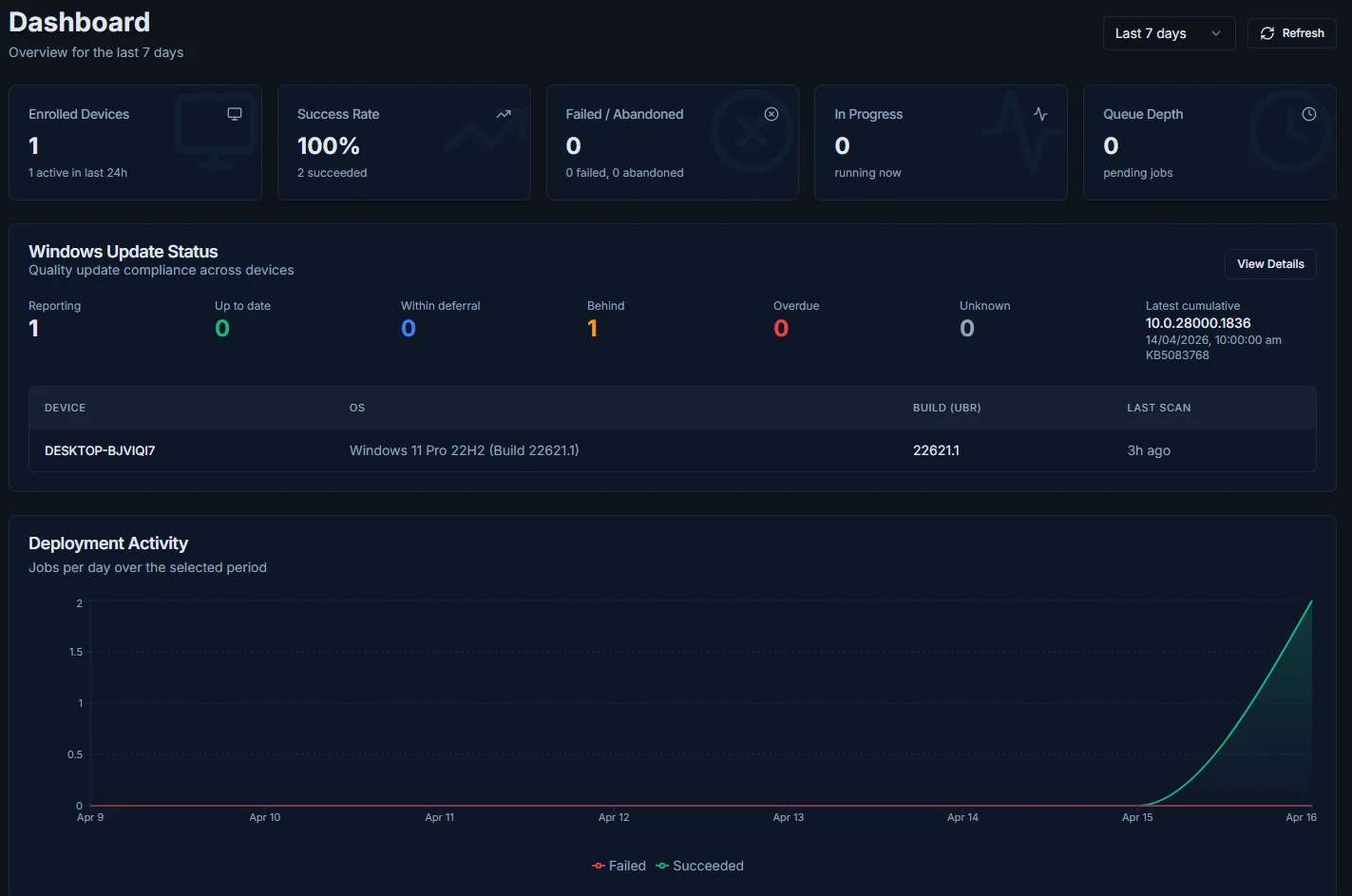
Automated application management,
backed by specialists.
2,000+ apps in a private repository
Deploy from the same tested catalogue as Pckgr for Intune, not public download sites.
Packaged and tested for you
Pckgr's application packaging specialists manage every app, patch and update through our secure pipeline, with VM testing, installation validation, malware scanning and vulnerability testing.
Automated application updates
Apps update automatically on the device groups you assign, with version control and a simple rollback if you need it. Rollback is available on Windows.
Everything included
Every feature for every user, with unlimited tenants and users at no extra cost.
Core RMM capabilities for IT teams and MSPs.
Application deployment and patch management
Deploy apps from the 2,000+ app private repository to Windows and macOS, keep them current with automated application updates, and roll back on Windows when you need to.
Patch managementEndpoint management and security
Group devices, run scripts and track software inventory on both platforms. On Windows, add policy management, Windows Update rings and CVE tracking.
RMM for MSPsRemote access and IT support
Built-in, browser-based remote desktop for Windows and macOS, and remote shell for Windows, macOS and Linux, launched from the same portal, with no third-party remote tool.
Remote desktopManage Windows and macOS from one console.
Pckgr manages Macs with a lightweight native agent. It installs like any Mac app, needs no MDM enrolment, and runs alongside Jamf, Intune or whatever you already have, with the same workflow as Windows.
macOS support is agent-based, so it does not include MDM capabilities such as configuration profiles, FileVault, or DEP and ADE enrolment.
Windows and macOS
- App deployment from the catalogue
- Automatic app updates
- PowerShell, Zsh and Bash scripts
- Software inventory and device groups
- Remote desktop and remote shell
Windows only
- Custom applications
- App rollback
- Self-Service Portal
- Policy management
- Windows Update rings
- CVE and vulnerability tracking
Linux (alpha)
A smaller set of features while Linux support is in alpha.
- Hardware, OS, disk and network inventory
- Remote shell (Bash)
- Restart and shut down from the portal
- Automatic agent updates
Start free, then pay per device.
Free
$0/ month
Up to 5 devices, every feature included.
Pro
$10/ month
Includes up to 10 devices, then $1 per device each month.
Watch the Pckgr RMM intro video.
See how devices are connected, users invited, applications deployed, policies configured and compliance monitored, from first sign-in to a managed fleet.
Watch the intro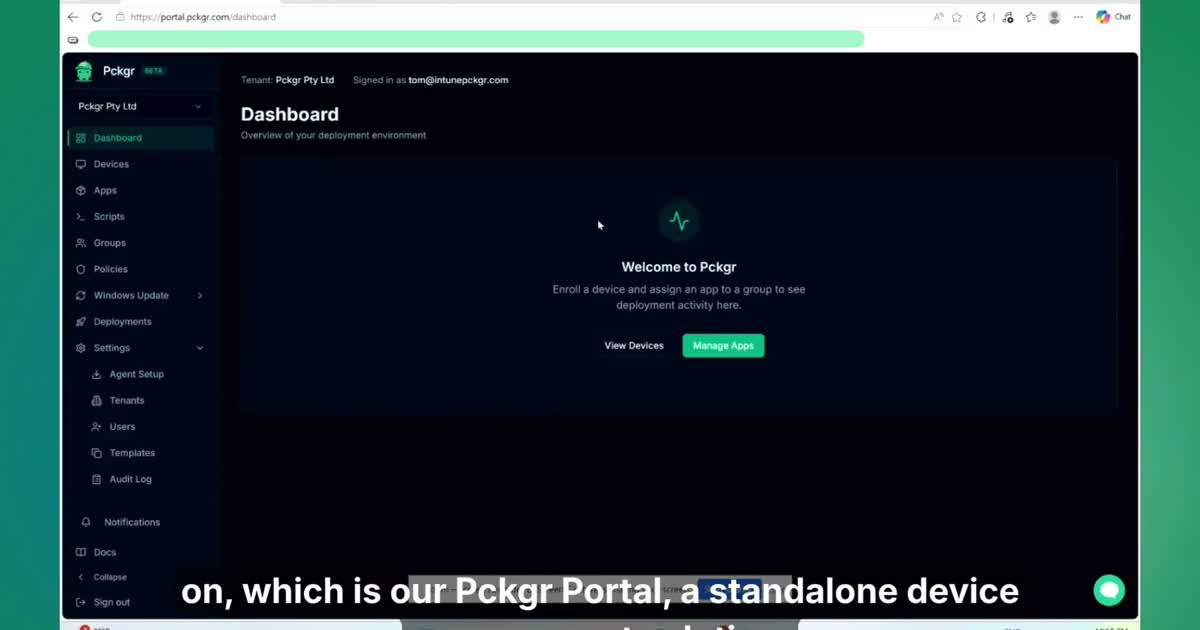 Watch the Pckgr RMM introduction video
Ready to make endpoint management less manual?
Free for up to 5 devices. Pro is $10 a month for up to 10 devices, then $1 per device per month.